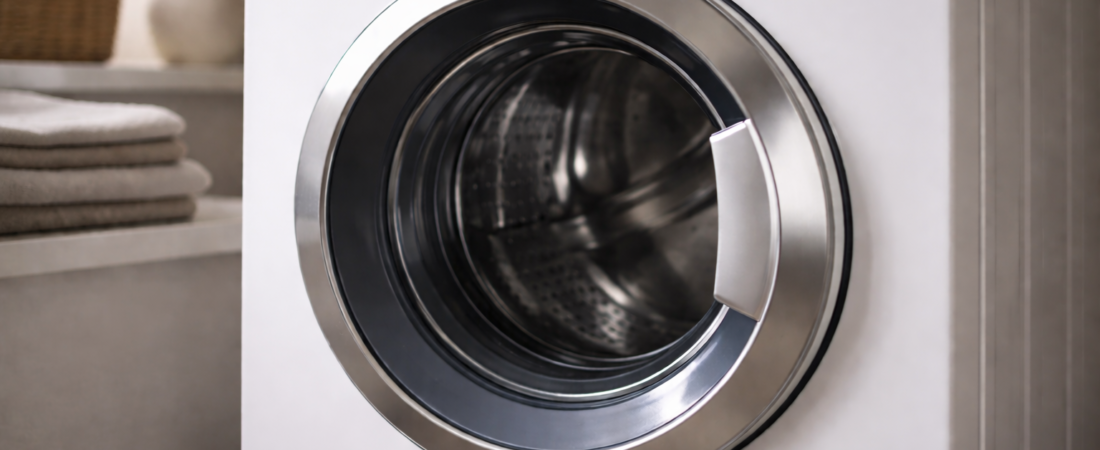
If your washing machine door will not lock or unlock properly, resetting the machine may restore normal operation.
A reset does not repair a broken lock.
It simply clears temporary electrical or control faults.
A reset is most useful when:
-
The door light is flashing
-
The machine stopped mid-cycle
-
Power was interrupted
-
The lock worked normally before this issue
If the problem keeps returning after a reset, the lock mechanism itself may be failing.
When a Reset Can Help
Modern washing machines rely on electronic control boards.
If the board does not receive the correct signal from the door lock, it may:
-
Refuse to start
-
Keep the door locked
-
Flash a warning light
-
Display an error
A power reset forces the control board to restart and recheck the door lock system.
Standard Power Reset Method
Step 1: Turn the machine off using the control panel.
Step 2: Unplug the washing machine from the power outlet.
Step 3: Leave it unplugged for at least 5–10 minutes.
Step 4: Plug it back in and turn it on.
Step 5: Try starting a short cycle.
In many cases, this clears temporary lock errors.
Circuit Breaker Reset (If Needed)
If unplugging is not possible:
-
Turn off the circuit breaker that supplies power to the washing machine.
-
Leave it off for 5–10 minutes.
-
Turn it back on.
This performs the same function as unplugging.
What a Reset Will Not Fix
A reset will not repair:
-
A broken door latch
-
A physically jammed lock
-
A worn internal locking switch
-
A damaged wiring connection
If the machine clicks repeatedly, refuses to lock, or keeps locking after every reset, the issue is likely mechanical rather than electronic.
If Resetting Does Not Work
If the door lock continues to malfunction after a full power reset, further testing may be required to determine whether the lock assembly is faulty.
Repeated reset attempts are unlikely to solve a hardware failure.
At that point, diagnosing the lock itself is the next logical step.
If resetting does not resolve the issue, consult the Washing Machine Door Lock Replacement Guide to determine the next step.